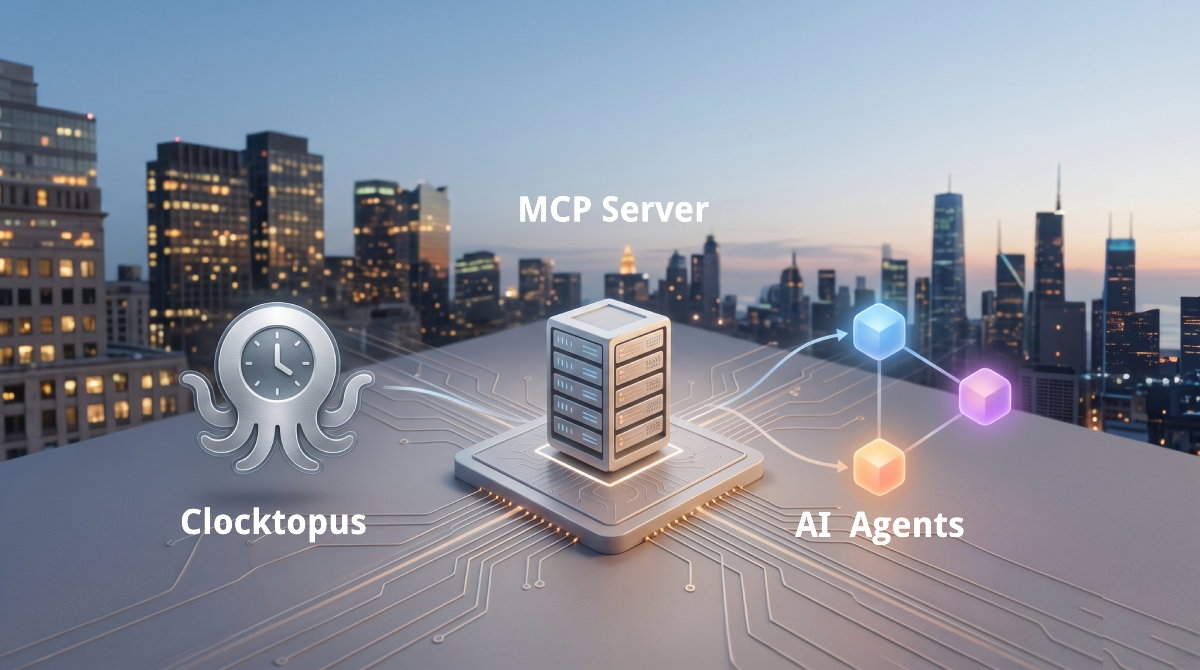
Clocktopus now speaks MCP
By Allan Clempe
What we shipped
Clocktopus now has an MCP server. In plain terms: your AI assistant, whether that's Claude, ChatGPT, or anything else that speaks the Model Context Protocol, can read your tracked hours and answer questions about them, with your permission.
There's no new dashboard to learn. You just ask, in whatever assistant you're already working in.
What that changes day to day
The whole idea behind Clocktopus is that you commit code and the timesheet fills itself in. MCP carries that idea over to the other side, the reading. Instead of opening the app and scanning a report, you ask the assistant a question and get the number back.
Here are the things I catch myself doing now:
- Standup prep. "What did I work on yesterday, grouped by task?" Answered before the call starts.
- A gut check on the week. "How many hours have I logged this week, and on what?"
- Month-end. "Give me my hours per project for May" so I can sanity-check the totals before anything gets invoiced.
- Finding the rabbit holes. "Which task ate the most time this month?"
None of this is new information. The data already knew all of it. MCP just lets you get at it in a sentence instead of a few clicks and a mental tally.
It plugs into the tools you already use
This is the part that gets more interesting. MCP isn't a Clocktopus invention, it's a shared protocol, and Jira, Linear, and Notion ship servers for it too. So one assistant can read your hours and your project board in the same conversation.
It helps that Clocktopus pulls the task straight out of your commit messages, so
feat(BLA-373): … becomes BLA-373. Your hours come already keyed by the exact
ticket IDs you use everywhere else, which makes joining the two sides trivial.
The example that convinced me to build this: client status reports. Hand your assistant the original proposal, connect Clocktopus and your project tool, and ask for this week's update. It maps the completed tickets back to the scope you agreed, attaches the hours each one took, and tells you whether you're tracking to the estimate. A job that used to eat a Thursday evening becomes a five-minute review. I'll dig into that workflow properly in a follow-up post.
Read-only, and scoped to you
A tool that reads your hours only earns a place if you can trust it with them. The connection is read-only and secured with standard OAuth 2.1 authorization. The assistant signs in as you, through a one-time consent screen, and can only ever see the data your own account can. No API keys to paste, no broad access grants, and you can revoke it whenever you want.
Try it
If you already track time with Clocktopus, you're a few clicks away. Our MCP guide walks through connecting your assistant, then ask it something about your week.
It's in beta, so I'd love to hear which questions you end up asking. That's what tells us which tools to build next.
Start measuring what your team ships
Output, cost and what your agents burn. Read from the commits, pull requests and agent runs you already have.
Start freeFree for single developers.